
Make the opportunity your own
Create recruiting copy with your contact details, then choose what to share.
Nothing is sent from this toolkit. Your entries stay in this page while it is open and are not submitted or saved by the toolkit. Only copy or share contact details you want others to see.
1. Your information
2. Your recruiting message
Copy this into a personal message or post. Check the details before sharing. Nothing is sent automatically.
3. Campaign artwork
 Supplied campaign artwork, JPG (delivered resized to 1,600 × 900 by the site image CDN). Not a larger print master.Download original JPG
Meeting times and contact details are part of the image. Confirm current information on the program page before sharing.
4. A backlink for your website
Paste this HTML into a custom HTML block on your own site. It adds your contact details and a link to COi. It does not install tracking or submit form data.
Explore the COi Purple Team
Learn about a commission-based independent representative opportunity. Participation and earnings are not guaranteed.
Learn about the COi Purple Team5. More recruiting assets
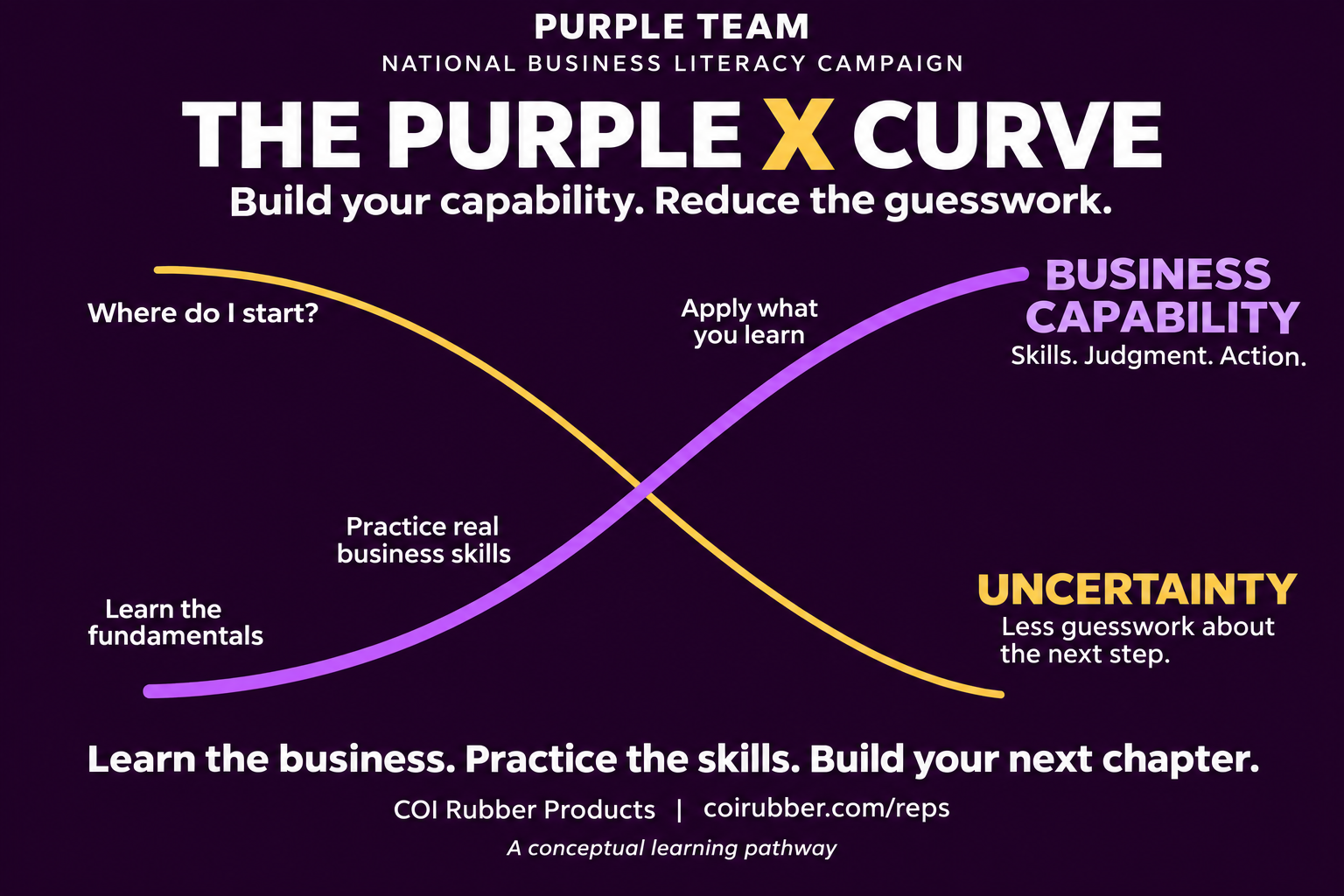
Original artwork and public guides. Download without altering claims or implying a guaranteed result. The November 19 invitation is dated artwork, not an evergreen meeting notice.
Book access for the remaining guides · Full Purple Team library
Books 4-6 and the trainer guide retain the library’s existing book-access route.No application is submitted or eligibility approved by this toolkit. No rep information is stored by the toolkit. COi’s website privacy practices still apply.
6. Customize print and digital templates
Use your name and contact details above. Choose a template, review the preview, then download. Only contact fields change. Nothing is sent to a printer, submitted or saved by this toolkit.
Version 2026-11-18. Review spelling, contact details and every line before sharing or ordering. Clear fields after using a shared device. PDFs embed a 300-pixel-per-inch image, not editable text. Postcard and card PDFs include 0.125-inch bleed on every side; no crop marks. Other PDFs use half-inch safe margins. Social PNG is for digital use, not a large print master. No QR tracking or automatic posting.
7. Print at FedEx Office / Kinko’s
- Choose a template and download its print PDF. Check the size in the preview. Use the job instructions to select the matching product.
- Open the matching product below and upload the file yourself. Check the vendor’s current template, proof, trim, sides, paper and finishing. Do not stretch artwork or fit a card onto letter paper.
- Pick your store or delivery. Confirm actual completion time, then the full total including tax, delivery and finishing. You place and pay for your own order. No charge or order is made by this toolkit. Any COi-paid order needs separate exact-total approval.
- For simple letter-size documents, email your final PDF to printandgo@fedex.com. A retrieval code can take up to five minutes and is valid for ten days. At a self-service machine choose Print from Retrieval Code. USB/cloud printing is also offered. Payment is pre-authorized at the machine; prices vary by store.
Flyers · Business cards · Postcards · Banners / posters · Print & Go · File requirements
FedEx generally prefers PDF, lists a 150 MB file limit and recommends 300 DPI for most prints, 150+ DPI for distant-view signs. Product-specific requirements control. Standard uploaded flyers have a small white margin; full-bleed products have different setup. Pickup depends on stock, product and store capacity. No automatic job/cart transfer or vendor account access is provided.
Original-art warning: the campaign JPG delivered by the site is 1600 × 900 pixels, not a larger print master. Do not stretch or upscale it for a large banner. Use a verified original print master at the required size. Dated November 19 artwork above is not an evergreen invitation.